
Don't Just Track.Form.
An extensive exercise library, deeply customizable workouts, and zero sign-up required.
Every exercise and workout in one place
Learn from thousands of exercise videos, customize the exact workout you want, and track your progress set by set.
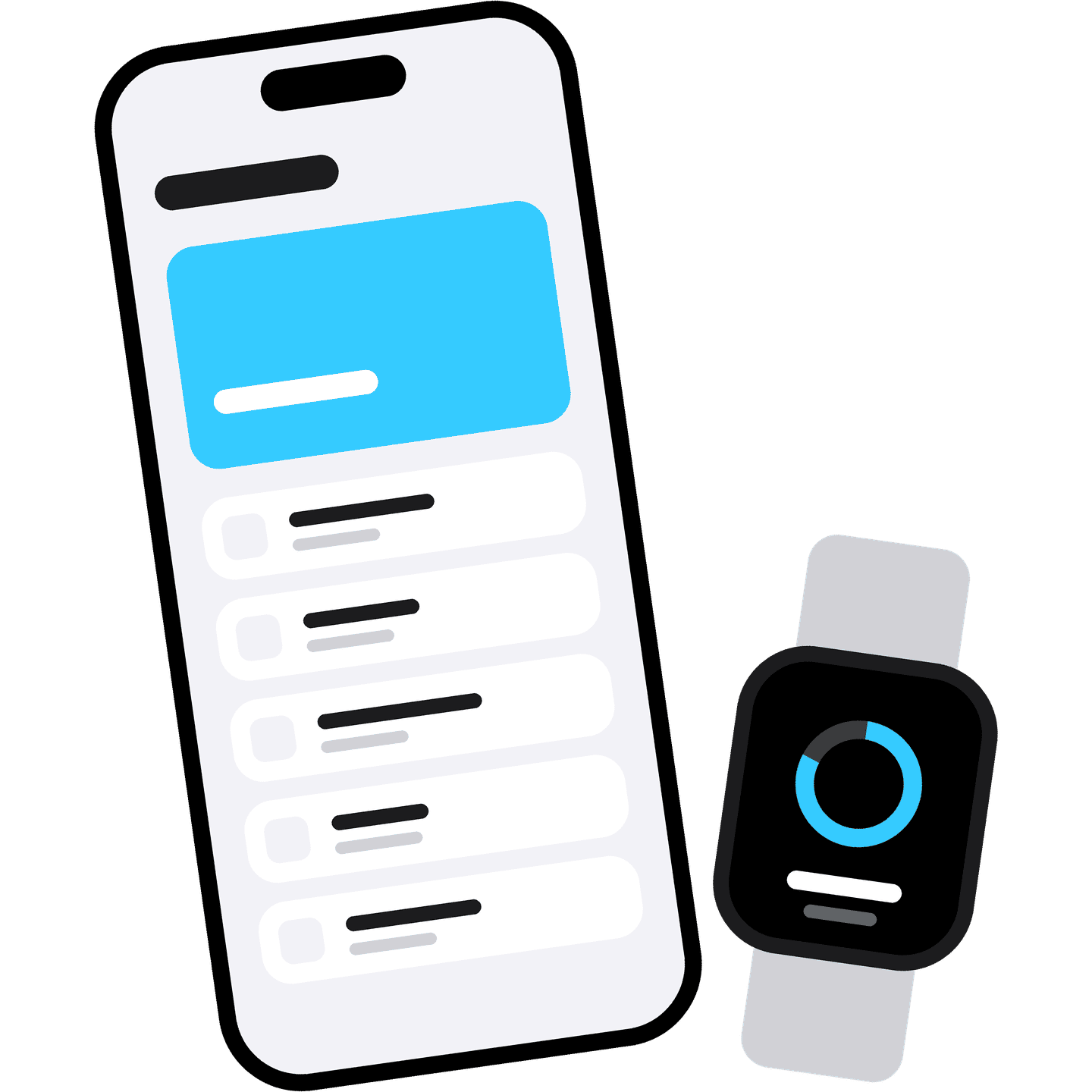
Built for iPhone and Apple Watch
Plan the workout on your iPhone, then leave it in your pocket and log every set straight from your Apple Watch.
Adjust every detail until it fits you
From your goals and experience to your equipment and the space you train in, every setting is yours to adjust.
Fully private with no account needed
No account, no email, and no sign-up, just your workouts kept safely on your own devices and in your own iCloud.
Every record and trend charted for you
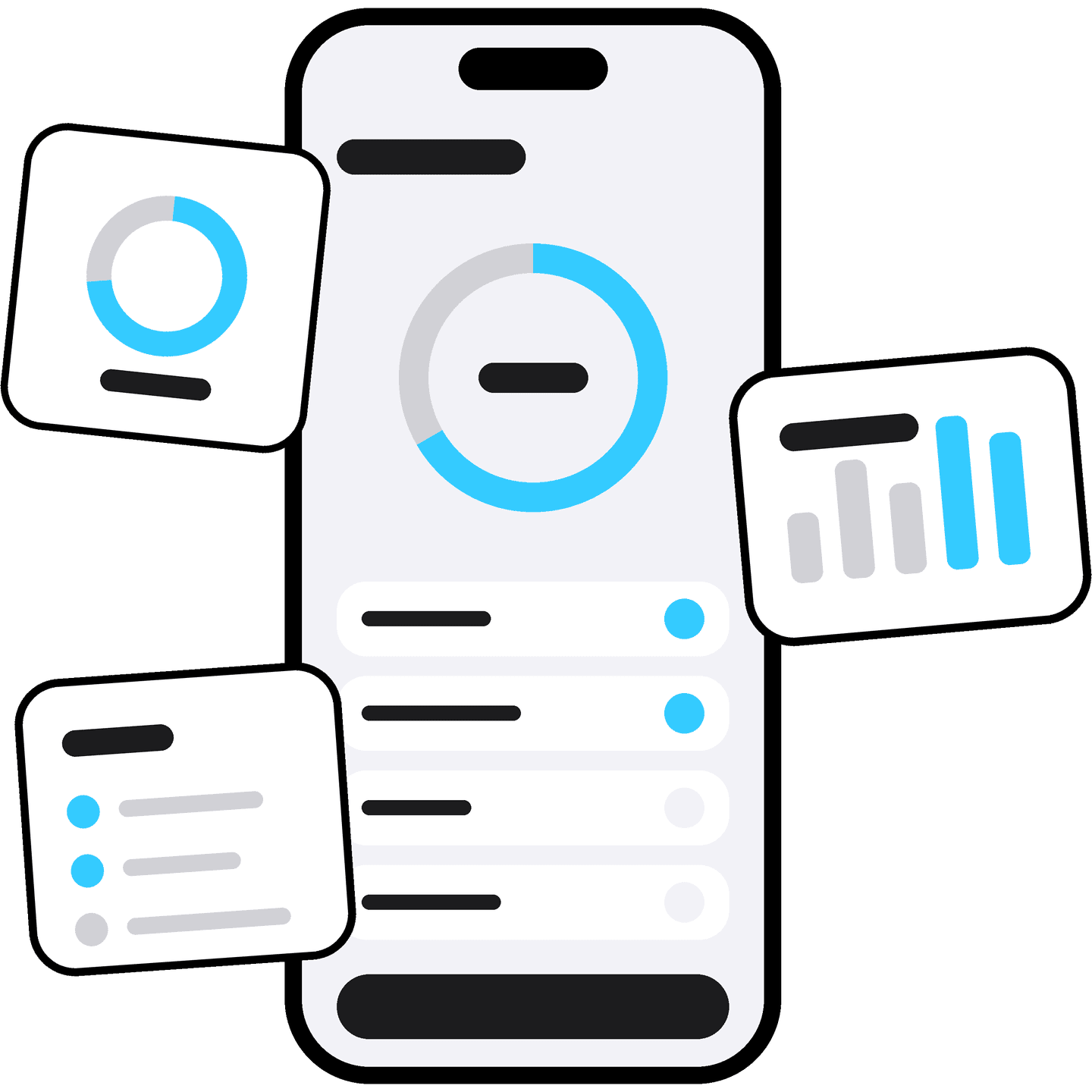
See your personal records, trends, and stats for every exercise, so you always know exactly how far you've come.
FAQ
Is it free to use?
Yes, the core of Form is free. That covers the exercise library and its videos, and building, starting, and logging workouts for yesterday, today, and tomorrow. Premium is an optional yearly subscription through Apple that unlocks the rest of your calendar, analytics, and exercise history.
Which devices are supported?
Form is available exclusively on iPhone and Apple Watch. The full app runs on iPhone, where you build workouts, follow exercise videos, and log your sets. The Apple Watch app works alongside it. There are no plans to bring it to any other device or platform.
Does it work offline?
Yes, for almost everything. The exercise library, its videos, and your workouts are stored on your device, so you can browse, build, start, and log a workout with no signal. A few things need a connection: iCloud sync, buying or restoring Premium, and maps for tracked routes.
Where is my data stored?
Your data is stored on your own devices, and we never receive it. With iCloud turned on for Form, it syncs through your Apple Account, so a new iPhone signed in to the same account gets your workouts and settings. With iCloud off, it stays on that one device, and deleting the app removes it.
How do I cancel Premium?
Premium is billed by Apple, so you manage it in your Apple Account settings under Subscriptions, not inside the app. Cancel at least 24 hours before the renewal date to avoid the next charge. Premium then stays active until the period you paid for ends. Refunds are decided by Apple.